
“Fusion Payments were honest about the industry rates and helped me secure a great rate for my restaurant with no hidden fees. Integration was too easy and seamless.”
Payment processing
Zero-fee credit card processing. The price you set is the price you keep.
Fusion Payments runs card acceptance on dual pricing — the ticket shows a cash price and a card price, and the card price carries the cost of processing. On card volume, your fee line goes to zero. We prove it against your own statement before you sign anything.
No fee · no obligation · about twenty minutes
Fusion Payments — Dual pricing
How dual pricing takes your processing fees to zero.
Dual pricing posts a cash price and a card price on the same ticket. The customer picks one. Either way, you deposit the cash price — the cost of taking the card is built into the card price instead of being taken out of your deposit.
Distinction
Dual pricing is not a surcharge.
A surcharge is an amount added on top of a card sale: capped by the card brands, regulated state by state, and never permitted on debit. Dual pricing posts two prices instead and lets the customer pick one. The two are governed differently, which is exactly why we configure the program against your state and your card brands rather than from a template.
Service call, paid by card
- Posted cash price
- $2,400.00
- Card price (+3.99%)
- $2,495.76
- Customer pays
- $2,495.76
- Cost of acceptance
- $0.00
- You deposit
- $2,400.00
How it runs
-
01 posted:
One cash price, everywhere you quote
The cash price is the number on the estimate, the menu board, the shelf tag and the invoice. Nothing about how you price the work changes.
-
02 at the register:
The card price appears before anyone pays
Terminal screen, invoice, hosted checkout — both prices are shown, and the receipt records which one was paid. Signage and disclosure language ship with the program.
-
03 on the statement:
The deposit is the cash price
Because acceptance is priced into the card price, the money that lands is the price you posted. Nothing is deducted after the fact and reconciled later.
* Illustrative figures. Your ticket sizes, your card mix and the way debit is handled are set from your own statement — bring last month’s and we will run this same ledger on your numbers. Monthly, gateway and PCI line items are quoted separately and shown in full before anything is signed.
In person & terminals
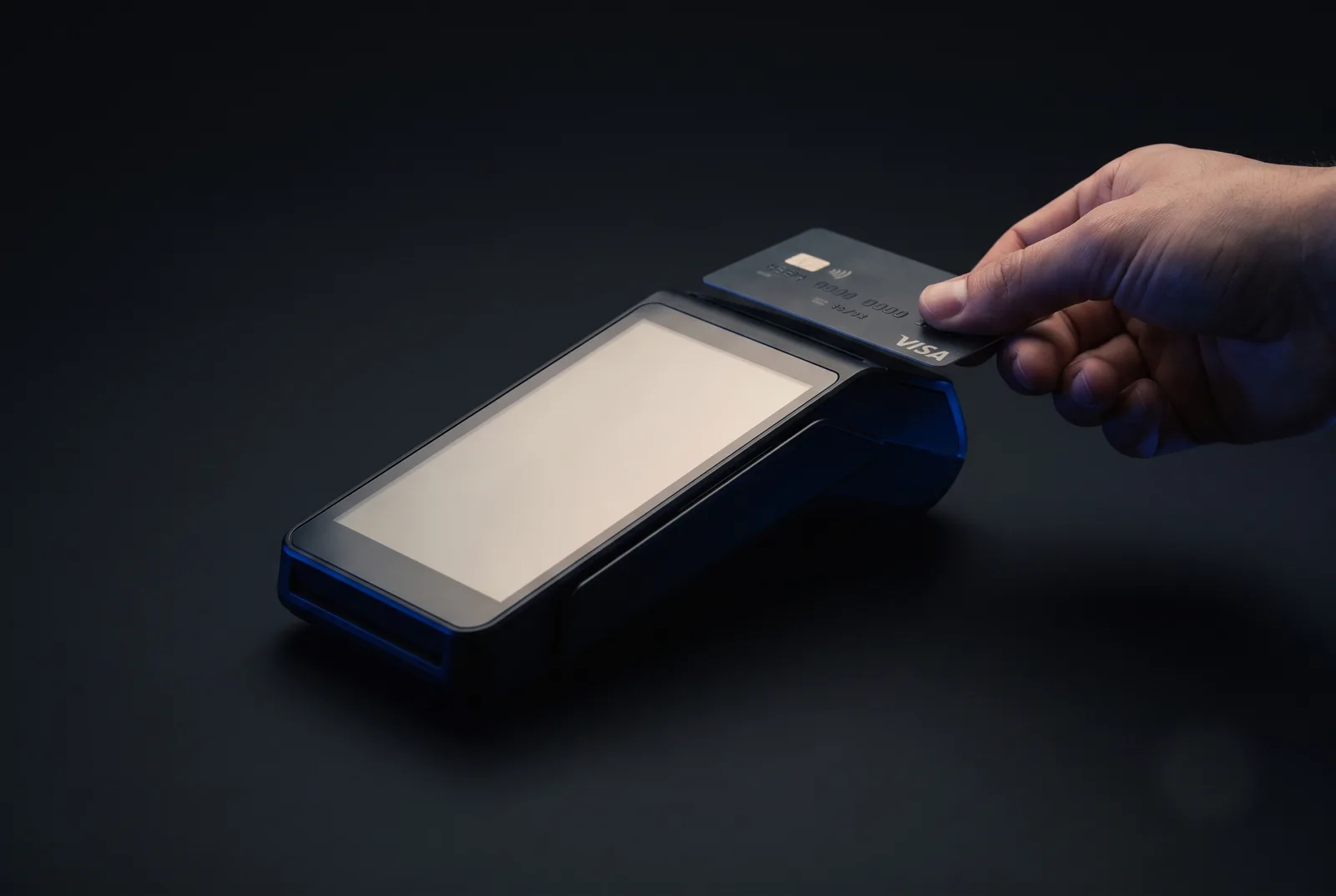
Hardware that arrives already configured.
Countertop, pocket, or the passenger seat of a truck. Every device is programmed to your program before it ships, so the first transaction is a sale rather than a support call.
ID Where it runs
- TERM-01
Countertop
The full-size terminal for a front desk or a checkout lane. Chip, tap, swipe and phone wallets, with both prices on the customer-facing screen.
settles: next business day · batch closes automatically
- TERM-02
Mobile & tap-to-pay
A mobile card reader, or the phone already in your hand. Takes the payment in the driveway at the moment the customer is happiest with the work.
works: anywhere with a signal · receipt by text or email
- TERM-03
Keyed & virtual terminal
Card numbers taken over the phone, entered from a browser at the office. No hardware, same merchant account, same reporting.
reach: any browser · role-based access · no card data in your systems
- TERM-04
One account behind all of it
Counter, field and online run on a single merchant account. One deposit, one statement, one number to call when a batch looks wrong.
reconciles: transaction ↔ deposit · survives month-end
* Existing hardware is often reusable. We check before we sell you anything.
Fusion Payments — Invoicing & online
The invoice is the payment page.
Send a link and the job is closed out from the truck. Text-to-pay, emailed invoices, saved cards for progress draws, and a hosted checkout for the website — all of it posting into the same account as the terminal on your counter.
Text-to-pay SMS · sent 9:14 AM
Riverside Fence Co
Invoice 1042 for the back-lot fence. Cash price $2,400.00 · card price $2,495.76. Pay here: pay.riversidefence.co/1042
Paid — thanks Dave
Rendered as sent · no app, no account, no portal login
Time Event
- 9:14
Sent
From the phone, the office, or automatically out of the system you already invoice in.
- 9:15
Opened
Delivery and open are both recorded, so “I never got it” stops being a conversation.
- 9:16
Paid
The customer sees both prices, picks one, and pays on their own phone. No app, no account.
- +1
Funded
Next business day into the operating account, matched to the invoice number it came from.
Cards on file
Take the deposit at signing and the balance at completion without asking for the card twice. Stored as a token — the number never lands in your systems.
Recurring & plans
Retainers, memberships, monthly service and payment plans run on a schedule, with a failed-payment retry that emails you rather than the customer.
Hosted checkout
A payment page on your own domain for deposits, quotes and online orders. Built and hosted with the site if we build the site.
Straight into your books
Every payment carries its invoice number through to the deposit, so reconciliation is a match rather than a hunt.
* Both prices appear on every invoice, every checkout page and every receipt — the disclosure is the product, not an add-on.
Who we serve
Five kinds of business, priced five different ways.
The mechanism is the same. What it is worth depends entirely on your ticket size, your card mix and how often the customer is standing in front of you.
01 flagship · deposits, draws, final invoice
Service & trades
High-ticket, invoice-driven work where one job can carry hundreds of dollars in card fees. The starkest math on this page — a $12,000 invoice pays about $350 to the processor.
- Fencing
- Roofing
- HVAC
- Plumbing
- Electrical
- Landscaping
- 02 Healthcare Practices and clinics: front-desk terminals, statement balances, and cards on file for payment plans.
- 03 Restaurants Counter, table and online ordering on thin margins — including how tips are handled under dual pricing.
- 04 Retail Storefront and ecommerce on one merchant account, with per-swipe cost that finally stops compounding.
- 05 Nonprofits & churches Recurring giving, pledges and text-to-give — where the donor can choose to cover the processing cost outright.
Fusion Payments — From the record
Source: Google · Reproduced verbatim
On rates, and on switching.
“We recently converted our POS and credit card processing over to Fusion Payments. The setup and process was extremely easy. Communication and response time was very fast!! I would recommend any of their services.”
“Starting a business can be hard enough, but the transition over to Fusion Payments has made business handling so smooth. Larry has been a great help and has been so transparent over the years. It's been a pleasure working with them.”
extract: 03 of 07 on record · uncompensated, unedited
The complete recordFusion Payments — Questions on the record
What people ask before they switch.
Answered the way we answer them on the phone — plainly, and against your statement rather than a rate sheet.
- Index
- 06 questions
- Revision
- 2026-08
- Asked of
- A person, first
IDQuestion
Q-01What is zero-fee credit card processing?
It is card acceptance run on a dual-pricing program. The business posts two prices — a cash price and a card price — and the card price carries the cost of acceptance. The customer sees both and chooses; the deposit that reaches the business is the cash price it set, so on card volume the processing fee line goes to zero. The mechanism matters: this is dual pricing, not a surcharge.
Q-02Is dual pricing legal?
Yes, and it is a different mechanism from surcharging. Surcharging adds a fee on top of a card sale and is capped and restricted state by state. Dual pricing displays two prices and lets the customer pick. Fusion Payments configures the program, the signage and the receipt language for the state a business operates in before it goes live.
Q-03Do debit cards work the same way?
Under dual pricing, a debit card pays the posted card price like any other card — and that is the clearest practical difference from surcharging, which card-brand rules never permit on debit. Fusion Payments confirms how debit is treated in the program against your state and your card brands, and shows the effect on your own volume first.
Q-04What happens to my current processor contract?
Fusion Payments reads it before recommending anything. Most agreements carry an early-termination fee, a leased-equipment schedule, or both, and the two are usually held by different companies. We tell you what leaving actually costs, in writing, and time the switch around it rather than around our month.
Q-05How long does switching take?
Some accounts board immediately — approved and running the same day they apply. Otherwise a straightforward merchant is approved in one to three business days, and hardware arrives programmed a few days after that. The cutover itself is one afternoon: terminals swapped, disclosures posted, first live transaction run with someone from Fusion Payments watching the batch close.
see: See what arrives
Q-06What do you need to give me a real number?
One recent processing statement, all pages. Fusion Payments reads it line by line — interchange, assessments, processor markup, monthly, gateway, PCI — and shows which of those a switch removes and which follow you anywhere. The review costs nothing and does not require you to leave your current processor.
see: Send a statement
*Answers are current as of the revision above. Anything involving your state, your card brands or your existing agreement gets confirmed against the documents before it is treated as advice.
Start here
Tell us how your business gets paid today.
We map the practical path from the invoice or the sale to the deposit, and the systems it has to reach.
call: (407) 395-2832 · a person answers, not a queue
write: info@fusionpayments.com · read by the people who build
* The first conversation is a reading, not a pitch — bring last month's processing statement and leave with every line on it explained. No fee, no obligation.